Return to Do NASA Science LIVE! Events / Help AI See Space Better
Event Toolkit:
Help AI See Space Better
A Do NASA Science LIVE! Event
November 19, 2026 | 4:00 – 5:30 PM ET
Welcome hosts and facilitators!
We’re so glad you’re hosting an in-person gathering to stream the virtual event, Help AI See Space Better featuring the NASA-supported citizen science project Artifact InSPECtor. This event is part of Do NASA Science LIVE!, a year-round series. Learn more about the series here.
The below toolkit is designed to orient you to the project and help you prepare to host a successful in-person event in your space.
Your Toolkit Checklist
Use this Event Toolkit to:
- Verify your registration for the event
- Learn more about the project
- Review the technological requirements
- Download facilitator resources
- Download promotional materials
- Access a Post-Event Survey
Event Registration
As the host for an in-person event, only you/your organization needs to register with SciStarter for the event. Your registration will include the Zoom link for you to livestream with your attendees.
Your attendees do not have to register for the event individually through SciStarter. However, you may choose to implement your own registration process to keep track of your event’s attendance.
Learn About the Project: Artifact InSPECtor
Learn more about the project to get comfortable with marketing your event and answering questions for attendees.
Speakers

Dr. Aimee Schechter
Project Scientist
Telescope images often contain false features called “artifacts” that can mimic real astronomical objects. Today’s space telescopes like Euclid and the Nancy Grace Roman Space Telescope are poised to answer questions such as, How quickly is the Universe expanding? and What is dark energy? Artifacts in the data from cosmic rays and other sources slow them down by confusing astronomers and their computers. When you join the Artifact InSPECtor project, you’ll help scientists manage and sort through these artifacts!
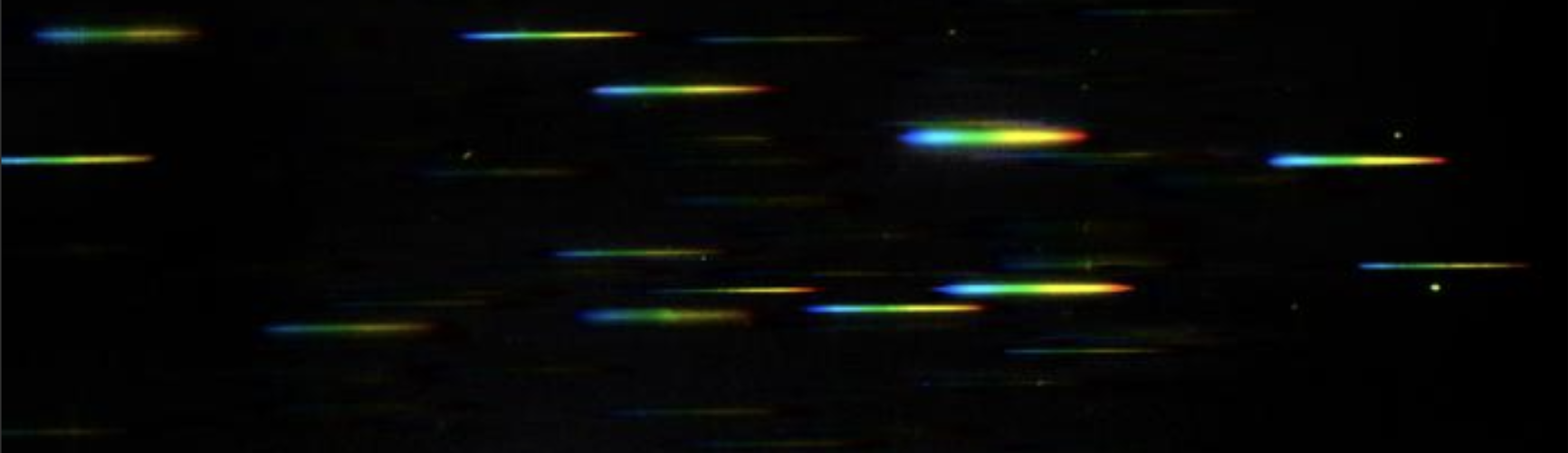
Together, we’ll look at data on distant galaxies from the Euclid telescope. The telescope has spread the light from the galaxies into rainbows of colors, called spectra. Computer algorithms have tried to separate these useful spectra from pesky artifacts, but they have made mistakes. By correcting these mistakes, you’ll help teach the next generation of computer models to do a better job–and help teach humankind about the Universe we live in.
You can learn how to participate in the project alongside your audience, or explore it ahead of time if you’d like.
Technology Needed to Host This Event
This event is livestreamed through Zoom and designed for in-person audiences to participate together. As the host, you will display the Zoom event on a primary screen so attendees can watch the presentation and follow along with the live event.
As they follow along with the live event, attendees will participate in the featured citizen science project using their own devices, such as phones, tablets, or laptops. The event combines a live presentation with hands-on participation, allowing attendees to learn from the presenters and contribute to NASA-supported science in real time.
To fully participate, please plan for the following:
- A computer (laptop or desktop)
- Used to log into Zoom and share the livestream with the group
- Reliable internet connection (wired is best, if available)
- Large display for group viewing – the “primary screen”
- A projector and screen or a large TV/monitor
- HDMI (or appropriate) cable to connect the computer to the display.
- Sound for the room
- External speakers, TV speakers, or a projector with built-in audio
- Sounds should be loud enough for the whole room to hear. Test with audience upon the start of the event.
- Participant Devices
- Notify your guests ahead of time whether or not they will need to use their own devices or if you will supply devices for them (e.g. through a computer lab, through a loaning system, etc.)
- Ensure you can provide your guests with reliable Wi-Fi at your hosting location
- Use our printable instructions (below) to help your audience set up their accounts to participate before or during the event
Strongly Recommended: A stable internet connection is important for a smooth experience. If possible, avoid public or heavily restricted Wi-Fi. We recommend testing Zoom audio and video on your computer before the event to be sure everything looks and sounds good.
Facilitation Resources
Print and distribute the following instructions for your guests. Print and distribute the event Take Home Flyer as well.
- Create a free SciStarter account: SciStarter.org/login. For participants under 13, an adult should set up a family account.
- Sign up for Zooniverse at Zooniverse.org.
- Return to SciStarter.org and click the dropdown icon next to your profile name and select “My Info & Settings” to visit your SciStarter Dashboard.
- Add your Zooniverse username to the “Affiliate Integration” box to start tracking contributions.
- Visit the Artifact InSPECtor page on Zooniverse to get started on a workflow. Before you work on real data, make sure to look through the brief tutorial.
Sample Event Schedule for a Do NASA Science LIVE event scheduled for 2:00 – 3:30 pm where a host has decided to add the optional introduction to citizen science before the event. Download our Do NASA Science LIVE Host Mini-Guide for a summary of Event Flow and Prep.
Prepare Your Event Space
1:00 – 1:30 pm
- Set up tables and chairs, lower projector screen or prepare a monitor, test your Wifi connection and A/V capabilities.
- Set up loaner laptops or tablets
- Print Handouts – Participant Setup Instructions and Take Home Flyer (promotional material below)
Attendee Arrivals
1:30 – 1:45 pm
- Welcome activities, offer food/drinks, etc.
- Introduce citizen science using the facilitator slides and guide from the Foundations training.
- Pass out the printed setup instructions.
Intro to Citizen Science
1:45 – 1:55 pm
- Walk through a few of our prepared slides and talking points (below) to introduce Citizen Science to attendees
SciStarter Zoom Event Begins
2:00 – 2:15 pm
- Display the Zoom event on a large monitor at the front of the room, enable speakers so the Zoom audio can be heard. Introduce your event’s name or location in the chat!
- The SciStarter team will provide a simple introduction to the project topic and guest speakers before jumping into the participation setup.
- Watch parties may opt to keep their cameras on to show off their group’s participation.
Project Demo and Guest Interview
2:15 – 2:30 pm
- The Zoom presenters will demonstrate to the audience how to participate in the project.
- The guest speakers will share more information about the project, such as: What is the goal of the research? How does our participation help the research? Etc.
Active Attendee Participation, Q&A
2:30 – 3:15 pm
- Participants will be prompted and encouraged to participate on their own devices.
- Audience members can add questions to the chat and Q&A for the moderators to share on the Zoom call.
- Watch parties will be prompted to keep their camera on for a group screenshot of the event during this time.
Event Closing
3:15 – 3:30 pm
- The SciStarter team will wind down the event activity and share a resource for continued participation.
- Participants will be asked to provide feedback in a brief survey after the event or in the chat.
- Pass out take-home flyers before your attendees leave to help them participate from home.
- Introduction to Citizen Science Slide Deck. If you choose to add a 15 minute introduction to citizen science before the Do NASA Science LIVE program starts, feel free to download and use our introductory slide deck.
- Learn the Basics Yourself. Take the Foundations of Citizen Science training module (45 mins). You’ll learn what citizen science is, why it matters, and how to get involved through SciStarter.
Reminder: You don’t need to be a subject matter expert or have all the answers.
Your role is to help participants feel welcome, supported, and engaged. The SciStarter team and the featured project’s scientist are available to help answer questions and provide accurate information when needed.
If someone shares misinformation
You can acknowledge the comment with something like, “There’s a lot of information out there, and it can be confusing,” or by simply thanking them for sharing. Then, in a friendly way, guide the conversation back to the activity.
If someone has a strong or disruptive opinion
Before the event, align with your event staff or partners on how to handle interruptions. If a strong opinion begins to disrupt the program, pause calmly, acknowledge the comment, and loop in staff so the group can stay focused and everyone can participate.
If you’re asked a question you can’t answer
It’s perfectly fine to say, “I’m not sure, but I can help find out.” For questions about the project’s science or data procedures, submit the question to the project’s Q&A or support channel so the right experts can respond.
If you notice obviously erroneous data being submitted
Remember that data quality is not your responsibility – each project has systems in place to weed out less than perfect contributions. If you suspect the error is genuine, encourage the participant to revisit the training materials or Field Guide. If you suspect the error is intentional, gently remind the participant that their work is being submitted to a team of real people, who often interact with participants. This is a place to put your best effort forward.
You are not expected to be the expert during this event, but you are welcome to learn more about the science behind the project by exploring their About page.
Promotional Resources
Use these resources to promote your in-person event. All promotional tools located in this google folder.
Posters
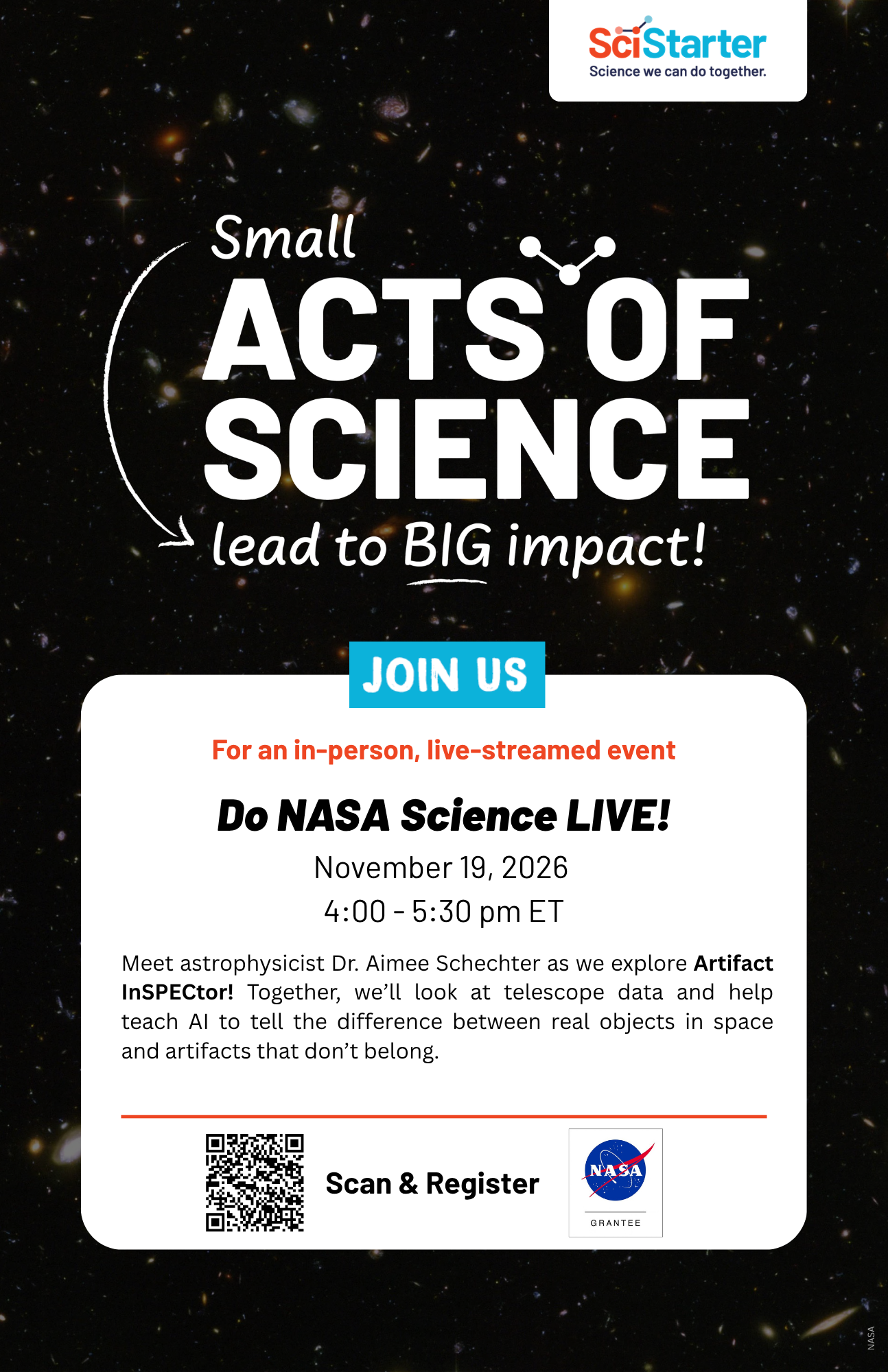
Available in multiple time zones. OR Add your time zone.
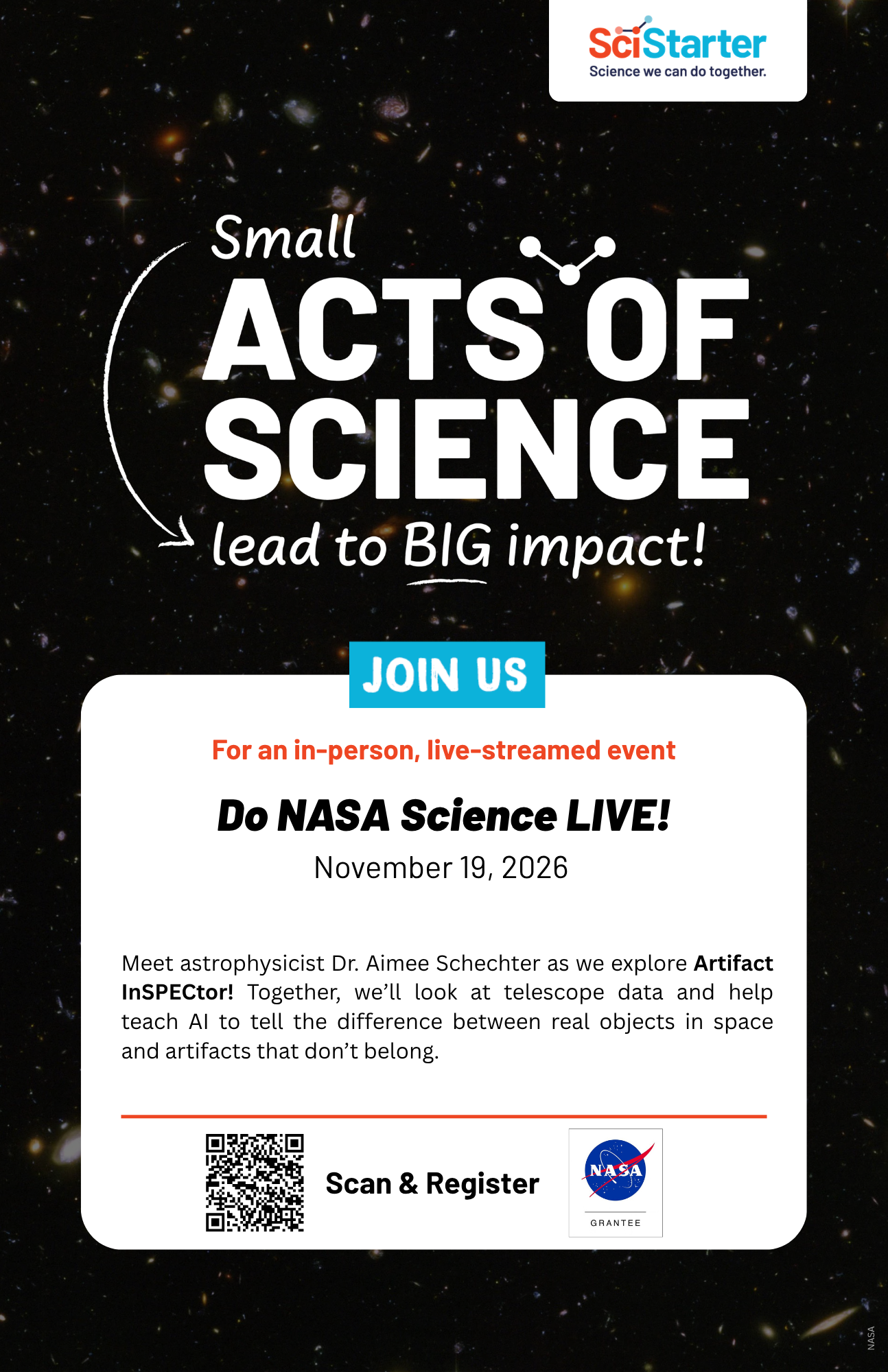
Add your own organizations logos and details. Click here for Canva instructions.
Social Media and Graphics


Keep It Going
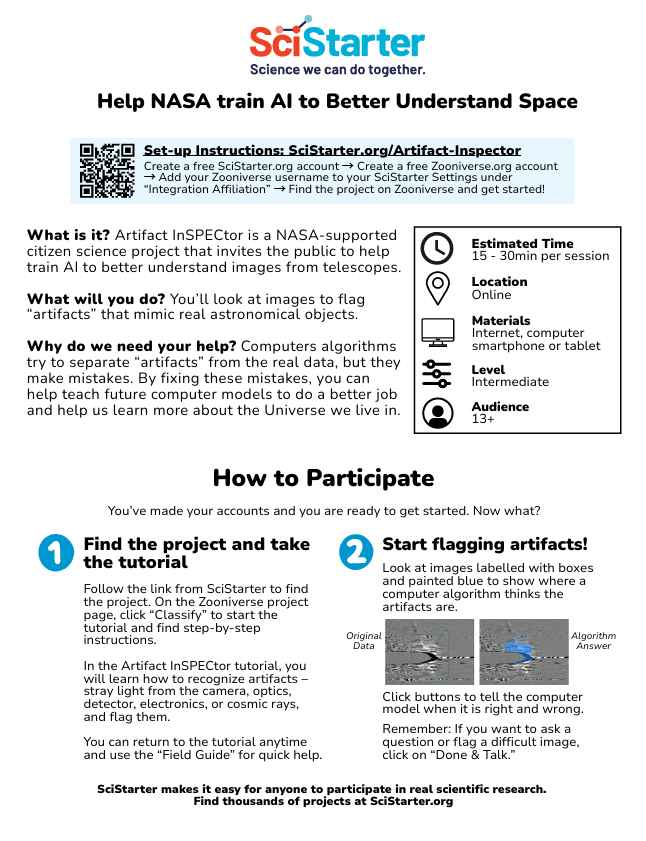
Print and distribute this flyer so your guests can continue participating in this project from home.
Updated: March 6, 2026
Thank You!
Thank you for facilitating this event and supporting the citizen science project Artifact InSPECtor. With your help, scientists and researchers can use well-trained AI to assist with space research.
By guiding participants through this project, you’re helping scientists speed up the process of discovery, while giving your community a chance to contribute to real, ongoing research. Your time, curiosity, and leadership make these discoveries possible.
We’re grateful for your partnership and for the role you play in real NASA science—one image at a time.
Please take a moment to complete our brief post-event feedback survey. Your response should take less than 5 minutes.
Survey opens after event has closed.